NADRA Explains how to change CNIC photo and permanent address through Pak ID App
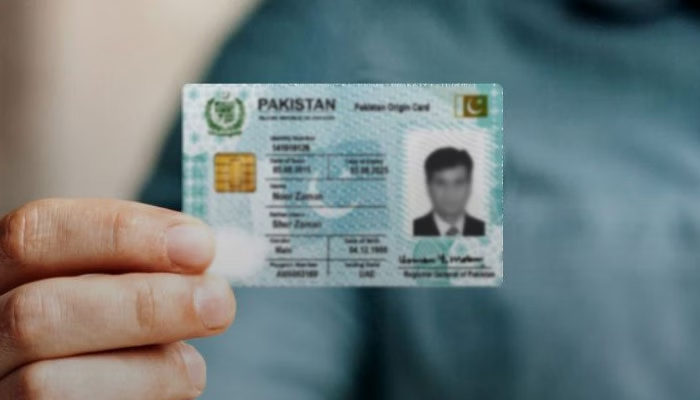
ISLAMABAD: The National Database and Registration Authority (NADRA) has explained how citizens can change their identity card photograph and permanent address from home through the Pak ID mobile application.
According to NADRA, citizens should log in to the Pak ID app, select the “Identity Card” option on the home screen and begin the application process.


Applicants must select “Myself” when applying for their own identity card or “My Blood Relative” when submitting an application on behalf of a blood relative. They should then select the identity card renewal option, update the required information and submit the application after completing all the necessary steps.
NADRA said the latest version of the Pak ID app also allows citizens to obtain, save and share digital identity cards for themselves, their spouses and eligible children whenever required.
The app also offers a QR code scanning feature to verify a Child Registration Certificate (B-Form) or an identity card cancellation certificate. Users can scan the digital QR code to view verified information.
In addition, the latest version of the Pak ID app provides biometric verification facilities related to influenza and meningitis vaccinations for citizens travelling for Hajj or Umrah.