Easy Ways to Check NADRA Application Status from Home
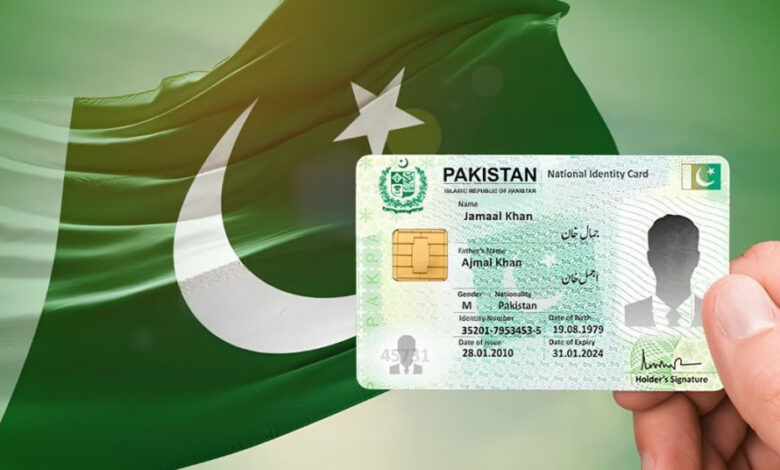
ISLAMABAD: The National Database and Registration Authority (NADRA) has announced an easy way for citizens to check the status of their applications from home without visiting its offices.
According to NADRA, citizens can use the Pak Identity mobile application to track the latest status of their applications.


How to Check Status Through Pak Identity App
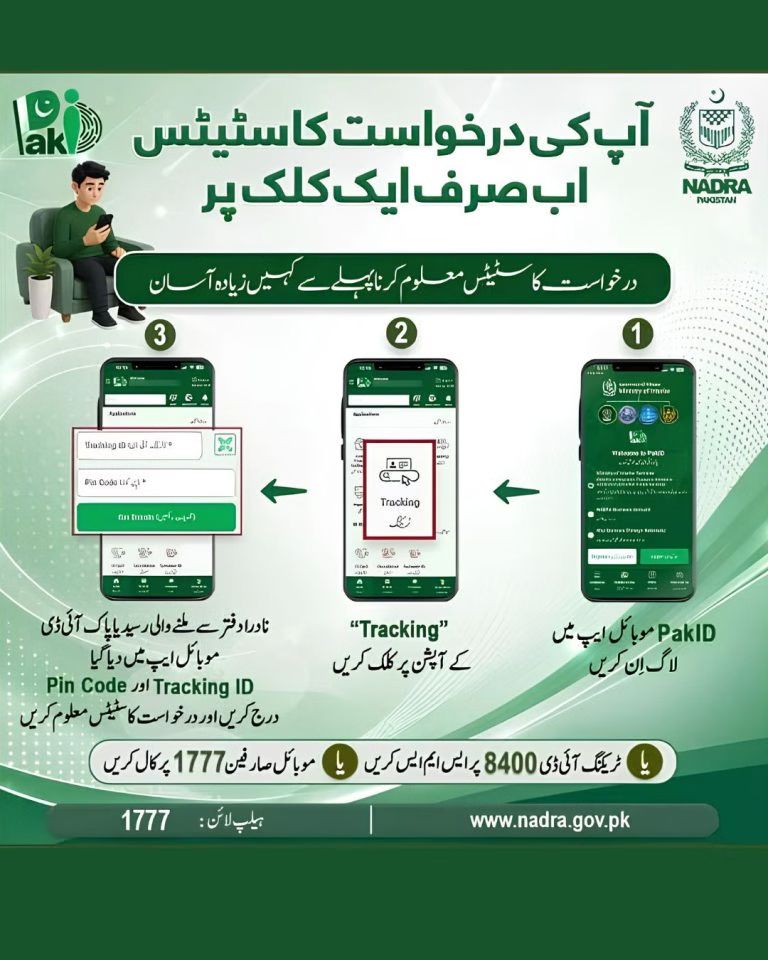
Citizens need to log in to the Pak Identity app and select the “Tracking” option. They must then enter the Tracking ID and PIN code provided on their application slip.
Once the information is entered correctly, the current status of the application will appear on the screen.
The facility is particularly useful for people who have applied for Computerised National Identity Cards (CNICs) or other NADRA services and want to monitor the progress of their applications.
Status Can Also Be Checked Through SMS and Helpline
NADRA has also provided other options for checking application status. Citizens can send their Tracking ID via SMS to 8400 to obtain information about their application.
They can also call NADRA’s helpline at 1777 for assistance and application-related information.
Citizens Advised to Collect Identity Cards on Time
NADRA has also advised citizens to collect their identity cards within the prescribed period.
Under the relevant policy, an identity card may be destroyed three months after the deadline for its delivery has passed. In such cases, the applicant may have to submit a fresh application and pay the applicable fee to obtain a new card.
NADRA urged citizens to collect their identity cards promptly once their applications are completed.
The Pak Identity app, SMS service and helpline provide convenient ways for citizens to track their applications, saving time and reducing the need for unnecessary visits to NADRA offices.