How to check your Punjab driving licence status online from home
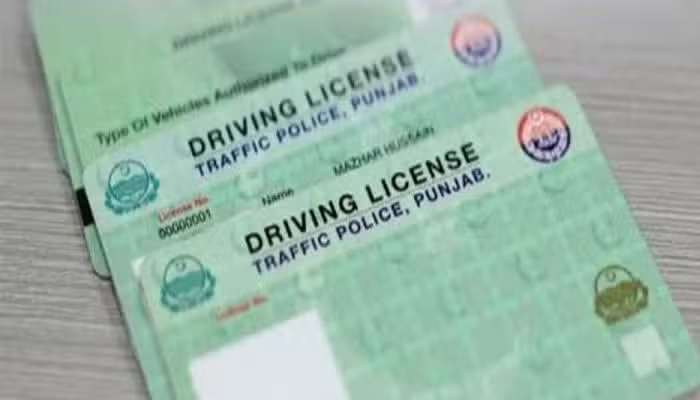
LAHORE: The Punjab government has introduced an online tracking facility through the Driving Licence Information Management System (DLIMS), allowing driving licence applicants to check their licence status from home using their Computerised National Identity Card (CNIC) number.
The facility is designed to make the process more convenient for residents across Punjab by eliminating the need to visit traffic licencing offices for updates on their licence applications.


How to Check Driving Licence Status Online
Applicants can follow these steps to check their licence status:
Search for “DLIMS Tracking” in an internet browser and open the official tracking portal.
Enter the 13-digit CNIC number without dashes in the designated field.
Complete the security verification (CAPTCHA) displayed on the screen.
Click on “Track License” to view the latest status.
What Do Printing and Delivery Updates Mean?
After submitting the required information, the system displays the latest status of the driving licence.
If you see the message “Your regular license is in printing queue”, it means the licence is waiting to be printed.
Once printing is completed, the licence is dispatched, and a Pakistan Post tracking number is provided through the system. Applicants can use this number on the Pakistan Post website to track their parcel and check its delivery progress.