PTA Verification Mandatory Before Buying a Mobile Phone: Here’s How to Check and Register Your Device
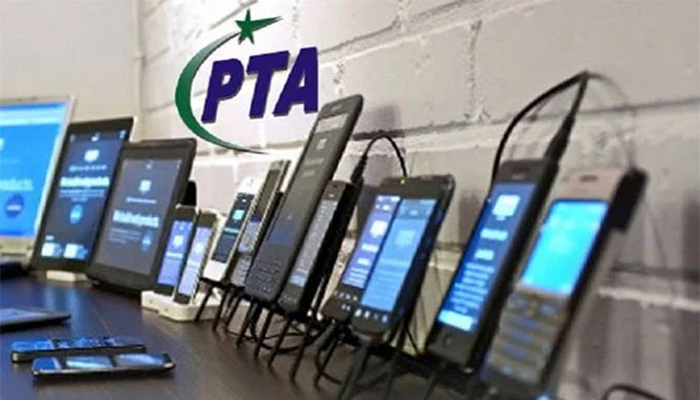
ISLAMABAD: The Pakistan Telecommunication Authority (PTA) has advised citizens to verify the legal status and International Mobile Equipment Identity (IMEI) number of mobile phones before purchasing them to avoid buying unapproved or illegal devices.
According to the PTA, consumers can easily check a mobile phone’s IMEI number by dialling *#06# on their handset. They should then compare the number displayed on the screen with the IMEI number printed on the phone’s box to ensure that the details match.


After obtaining the IMEI number, consumers can send it via SMS to 8484 to check the device’s registration status and legal eligibility for use in Pakistan.
The authority has urged buyers to ensure that their mobile phones are PTA-approved and recommended purchasing devices only from reliable and trusted retailers. Consumers have also been advised to verify the IMEI number before completing a purchase.
The PTA’s Device Identification, Registration and Blocking System (DIRBS) helps identify and block devices with non-compliant or illegal IMEI numbers. The system also uses IMEI-related information provided by mobile phone operators to identify devices that do not meet the applicable requirements.
Officials said that consumers whose mobile phones are blocked can consult the relevant PTA system to determine the reason for the blockage and obtain information about the further action required.
The PTA has also advised consumers purchasing mobile phones imported from abroad to complete the necessary registration formalities and pay any applicable taxes and duties. This is essential to ensure that such devices can be used legally in Pakistan.
The authority further noted that illegal imports and smuggling of mobile devices may result in action under the relevant laws.
For registration procedures and further information, consumers can visit the official PTA website at www.pta.gov.pk.