Why Do Green Lights Blink on Internet Routers? Experts Explain Their Meaning
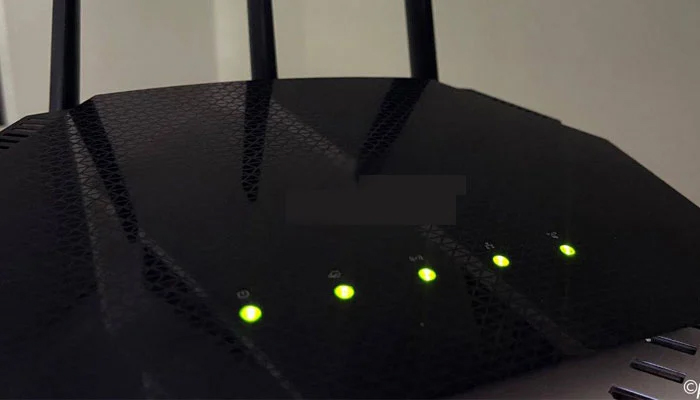
Karachi: Many internet users have likely noticed that the green lights on their Wi-Fi routers keep blinking on and off. While most people understand this as a sign that the router is turned on and the internet is working properly, experts say these lights actually provide much more detailed information about the connection status.
According to technical experts, the blinking lights on a router are not just indicators of an active internet connection, but also reflect the device’s network activity, data transmission, and system status.
They explain that every router operates differently depending on its brand and built-in programming. Each company designs its own system, and detailed information about the indicator lights can usually be found in the device manual or on the manufacturer’s website.
In general, when a router is turned on, its lights may blink slowly at first, indicating that the device is trying to establish a connection with the network. Once the connection is successfully established, the blinking pattern and light colors may change to show that the router is functioning normally.
Experts further note that rapid blinking often indicates heavy data usage or network traffic.
Most routers use green LED lights, but some models feature multiple colors. White lights usually represent normal functioning similar to green. Red or orange lights typically indicate a problem or connection failure, while yellow may signal loading or processing activity. Blue lights are often used to show that Bluetooth or similar connectivity features are active.
Technical specialists advise users to familiarize themselves with their router’s indicator system to better understand their internet connection status.