iPhone Users Uncover Hidden “Secret Button” for Quick Access to Functions
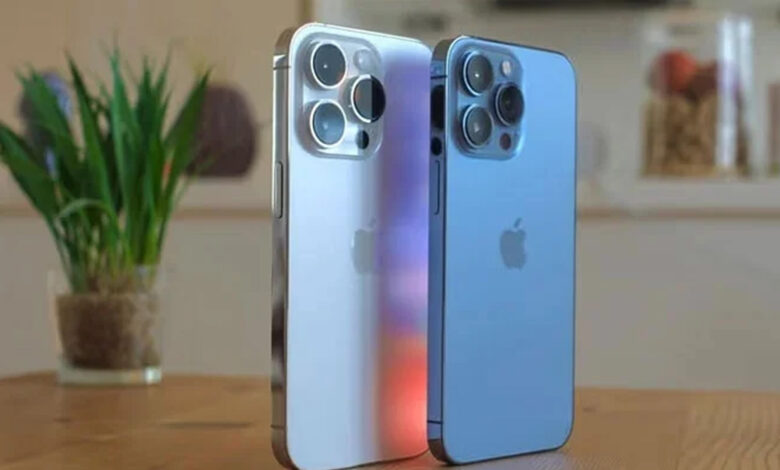
Apple’s Secret iPhone Back Tap Feature
Many iPhone users have been using their devices for years but remain unaware of a hidden “secret button” on the back of their phones that allows them to trigger various functions instantly.
Yes, you read that right! The secret button is actually a **Back Tap feature** that allows you to activate the **iPhone camera**, turn on the flashlight, and access a variety of other functions without unlocking your device.


This feature works on many older iPhone models—**iPhone 8 and later**—that are running **iOS 14** or newer versions. The best part? It works even if you have a **phone case** on your iPhone.
### What Is the Back Tap Feature?
Introduced in **iOS 14**, the Back Tap feature functions as a shortcut for many iPhone functions. By tapping the back of your device, you can quickly access a variety of actions—just like the **Action Button** on newer iPhones. The Back Tap allows you to control multiple tasks without touching the screen.
For example:
* **Double tap** can open the **Notification Center**
* **Triple tap** can capture a **screenshot**
* You can also customize it to launch the **Camera app** or **Control Center** instantly
### How to Set Up the Back Tap Feature:
1. Open your **Settings**.
2. Navigate to **Accessibility**.
3. Select **Touch** and then scroll down to find **Back Tap**.
4. You will see two options: **Double Tap** and **Triple Tap**.
5. From there, you can assign specific actions to either a double tap or triple tap. The available options include launching the camera, opening Control Center, taking a screenshot, and more.
Once you’ve set it up, simply **tap the back of your iPhone**—even near the **camera module**—and the shortcut will be triggered instantly.
This secret button is perfect for users who want quick access to important functions without unlocking their iPhone or interacting with the screen. Give it a try, and enjoy the convenience of your hidden iPhone feature!