What to do if your Smartphone falls into water
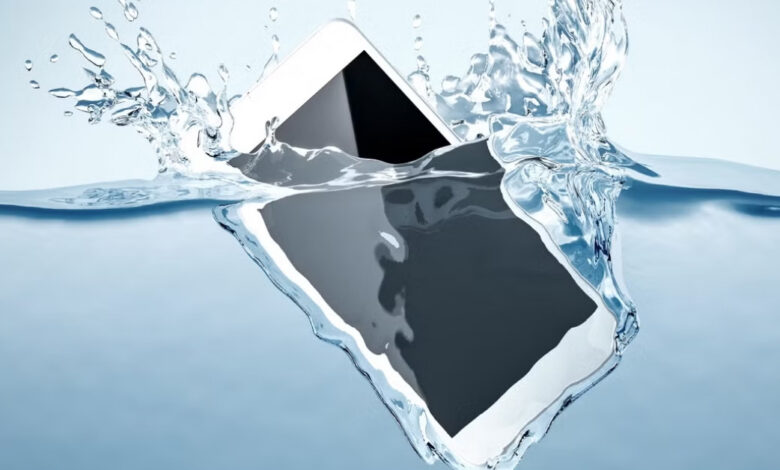
ISLAMABAD: Smartphones have become an essential part of everyday life, helping people stay connected, use social media, work and enjoy entertainment. However, dropping a phone into water can cause serious damage if the wrong steps are taken.
If a mobile phone falls into water or gets wet, the first step is to remain calm and switch it off as quickly as possible. If the phone is still working, avoid repeatedly touching the screen, opening apps or pressing buttons.


Keep the Phone Away From Electricity
After switching off the phone, keep it away from chargers and other electrical sources. Connecting a wet phone to a charger can damage its internal electrical components.
If the battery can be safely removed, take it out. Removing the SIM card and memory card is also recommended.
How to Dry a Wet Smartphone
Use a soft, clean cloth to gently wipe the phone’s screen, back and edges. If there is water around the charging or headphone ports, allow the device to dry naturally.
Avoid inserting pins, needles, tissues or other objects into the ports, as this can push moisture further inside or damage the connectors.
Place the phone in a dry, well-ventilated location and do not try to turn it on immediately. Even a small amount of moisture inside the device can cause electrical damage when power is restored.
Can Silica Gel Help?
Silica gel packets can be used to help absorb moisture. If available, place the switched-off phone in a dry container or bag with silica gel after wiping away any visible water.
The commonly suggested rice method, however, should not be relied upon. Small rice particles can enter charging ports and other openings. Allowing the phone to dry in a clean, dry and ventilated place is generally more important.
Do Not Turn the Phone On Immediately
A wet phone should not be switched on immediately. Give it sufficient time to dry before attempting to restart it.
Once the phone is turned on, check important functions including the speaker, microphone, camera, touchscreen and charging port. If the sound is abnormal or the device does not charge properly, stop using it.
If the phone does not turn on after drying, avoid repeatedly pressing the power button. Instead, have it inspected by a qualified technician or an authorised service centre, particularly if the device was submerged for an extended period.
Mistakes to Avoid
Users should avoid shaking a water-damaged phone vigorously, as this may spread water to other internal components.
Using a hair dryer, heater or another direct heat source is also not recommended. Excessive heat can damage sensitive components and the battery.
Most importantly, do not connect the phone to a charger while it is still wet. Allow the device to dry completely before attempting to charge or use it.